

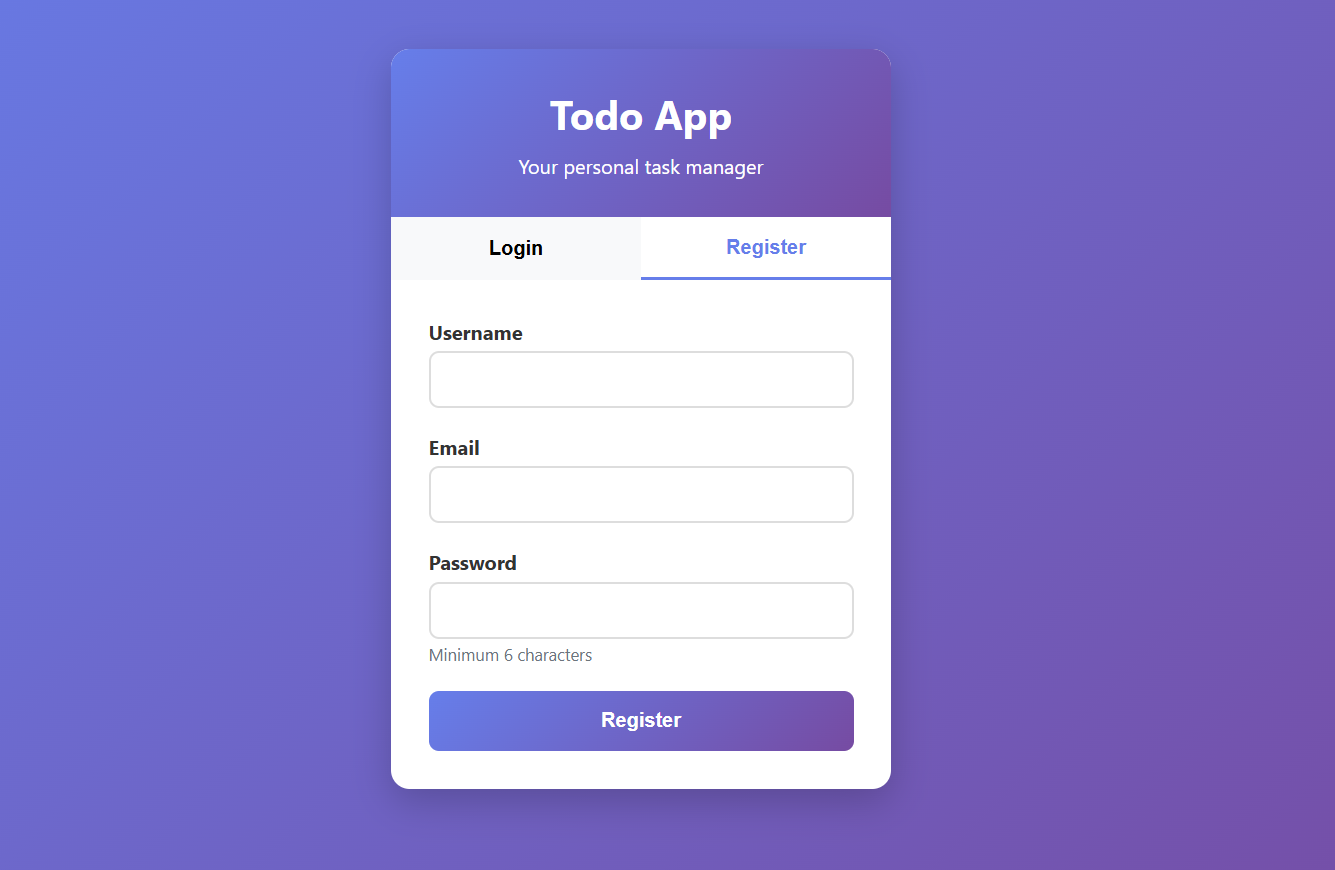
- Register- This feature allows new users to create an account by providing essential details such as name, email, and password. Registration ensures that each user has a personalized space to manage their tasks securely.
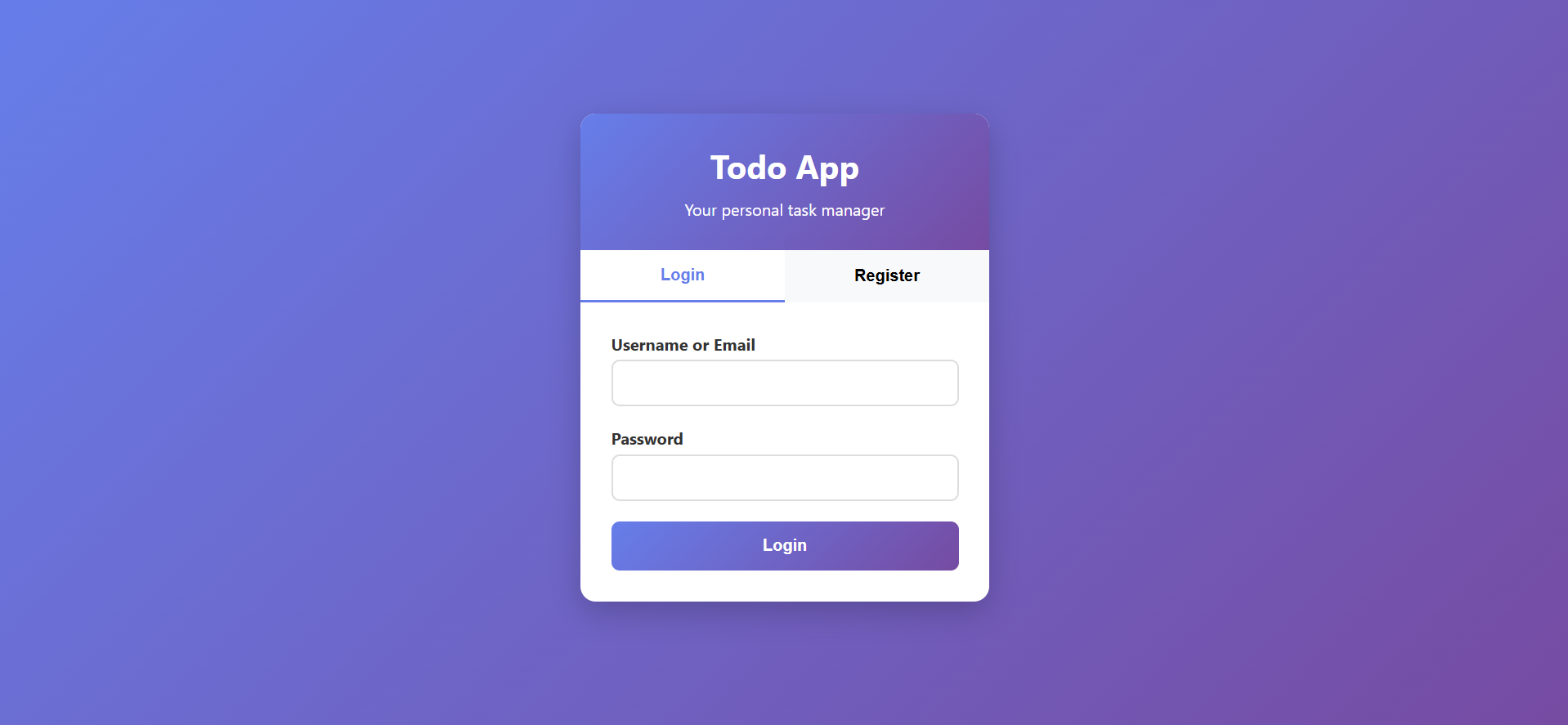
- Login- Once registered, users can log in with their email and password. Secure authentication ensures only authorized users can access their account and task data.
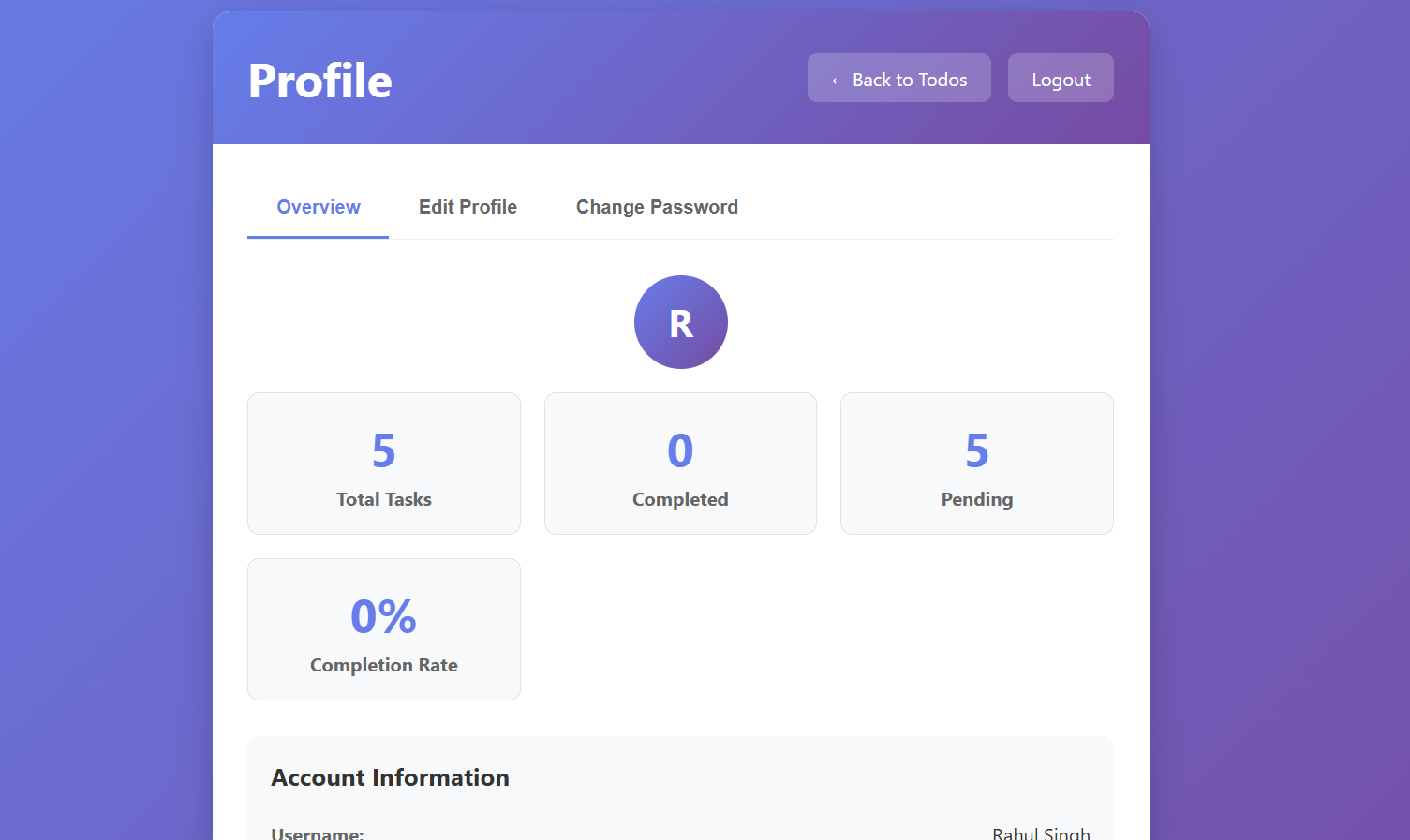
- Profile Management- Users can update their personal information such as name, email, and password. This helps maintain accuracy and security of user records.
Task Management:
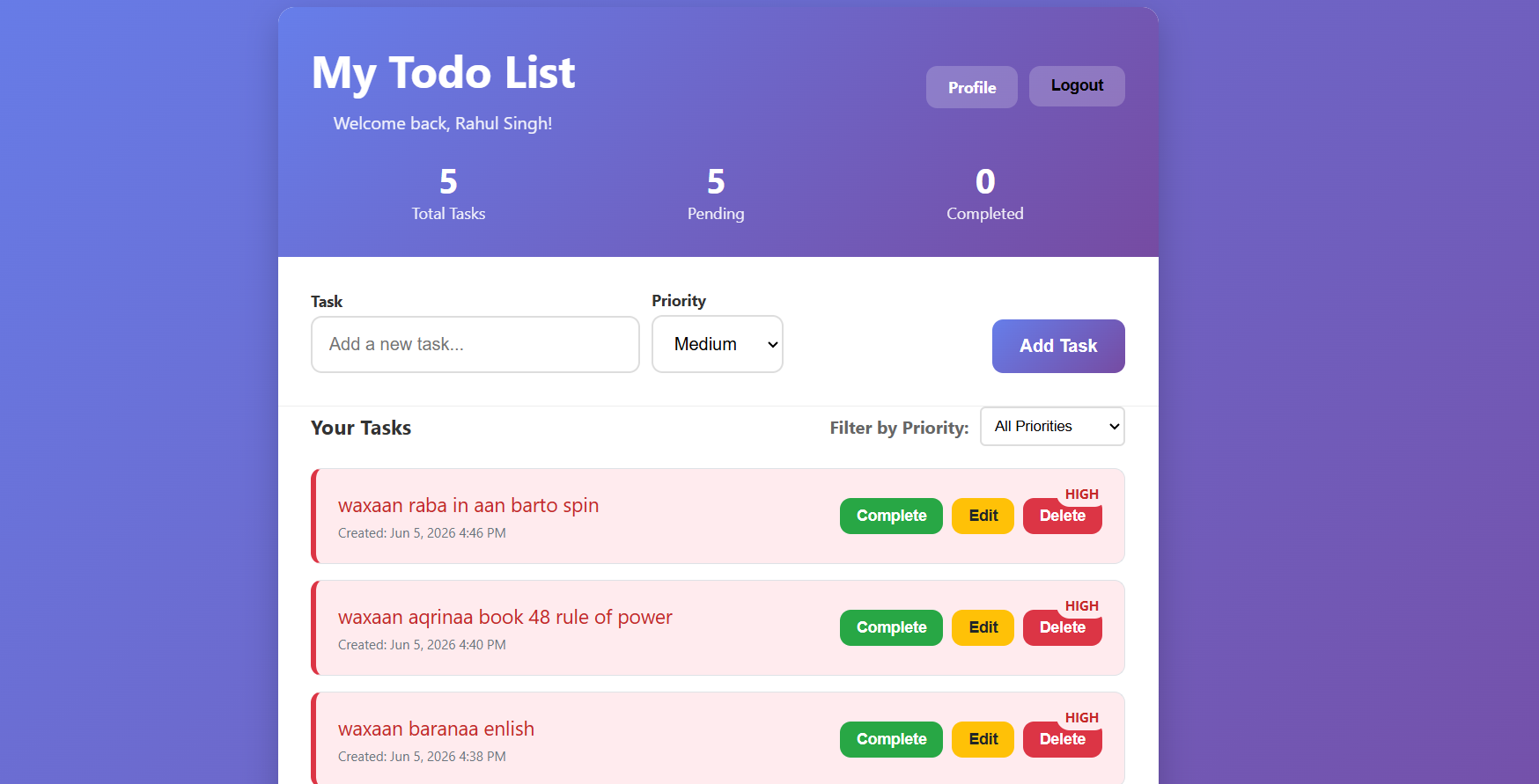
- Add- Users can add new tasks by providing details like title, description, and priority level (High, Medium, Low). This forms the core functionality of the system.
- Edit- Users can modify existing tasks whenever there is a change in schedule or requirement. Editing ensures flexibility in task management.
- Delete- Tasks that are no longer needed can be removed. This keeps the task list clean and organized.
- Mark Complete- Users can update the status of a task from Pending to Completed once it is finished. This allows users to track progress effectively.
Priority Management:
1. Tasks can be categorized into High, Medium, or Low priority.
- High Priority: Urgent or critical tasks that require immediate attention.
- Medium Priority: Important tasks that need to be done but are not urgent.
- Low Priority: Less critical tasks that can be completed at leisure.
2. The system also provides filter options so that users can quickly view tasks based on their priority.
Dashboard:
- Shows Total Tasks – Displays the total number of tasks created by the user, giving an overview of the workload.
- Shows Pending Tasks – Lists all tasks that are still incomplete, helping the user identify what needs attention.
- Shows Completed Tasks – Displays all finished tasks, giving the user a sense of progress and achievement.
 What’s Included in the Package
- Complete Source Code
- MySQL Database File (.sql)
- Project Report (DOC/PDF)
- PPT Presentation
- Installation Guide


Reviews
There are no reviews yet.